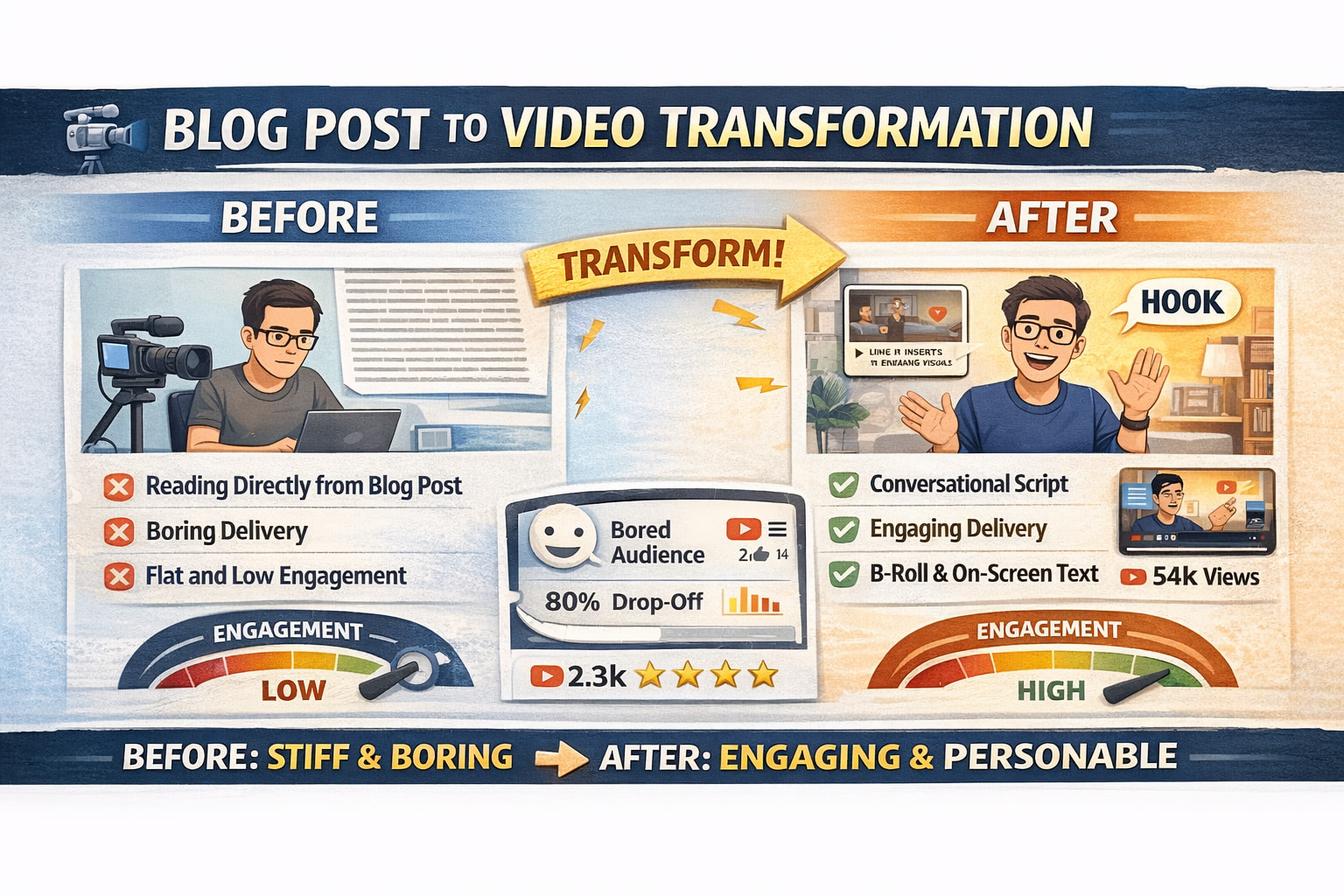
So, if you’ve ever tried to turn a blog post into a video by… reading it out loud… word-for-word… I have some bad news.
That’s not a video. That’s you performing a PDF. 
And look, I get it. You already wrote the post. You’re thinking, “Surely I can just… say it.”
But a blog post is built for scanning. A video is built for talking. Different rhythm. Different energy. Different attention span.
So today, I’m going to show you how to use AI to turn a blog post into a video script that actually sounds like a human, holds attention, and fits the way people watch content now.
And I’m going to keep this simple. No jargon. No “creator guru” nonsense. Just a workflow you can use today.
The moment you realise: blogs and videos are not siblings
Here’s what happens for most people.
You publish a blog post. It does well. It gets clicks, comments, maybe even shares. So you think: “Perfect. I’ll turn this into a video.”
Then you open the post… and you start reading it into your camera.
And suddenly you sound like you’re giving a school presentation you didn’t revise for.
Your voice gets flat. Your pacing gets weird. Your eyes start scanning the screen. You lose your point halfway through a sentence.
It’s not because you’re bad on camera. It’s because the format is wrong.
Blogs are written to be skimmed. Videos are spoken. They need shorter sentences, cleaner transitions, and a hook that hits fast.
That’s the core shift.
The good news: you already did the hard part
Here’s the part people miss.
The “thinking” part? You already did it.
You found the topic. You built the structure. You wrote the examples. You explained the point. That’s the real work.
AI is not here to replace your brain. It’s here to translate what you already made into the version that works out loud.
So instead of rewriting from scratch, you’re basically saying:
“Hey AI, take this and make it sound like I’m talking to someone, not publishing a document.”
The prompt that does the heavy lifting
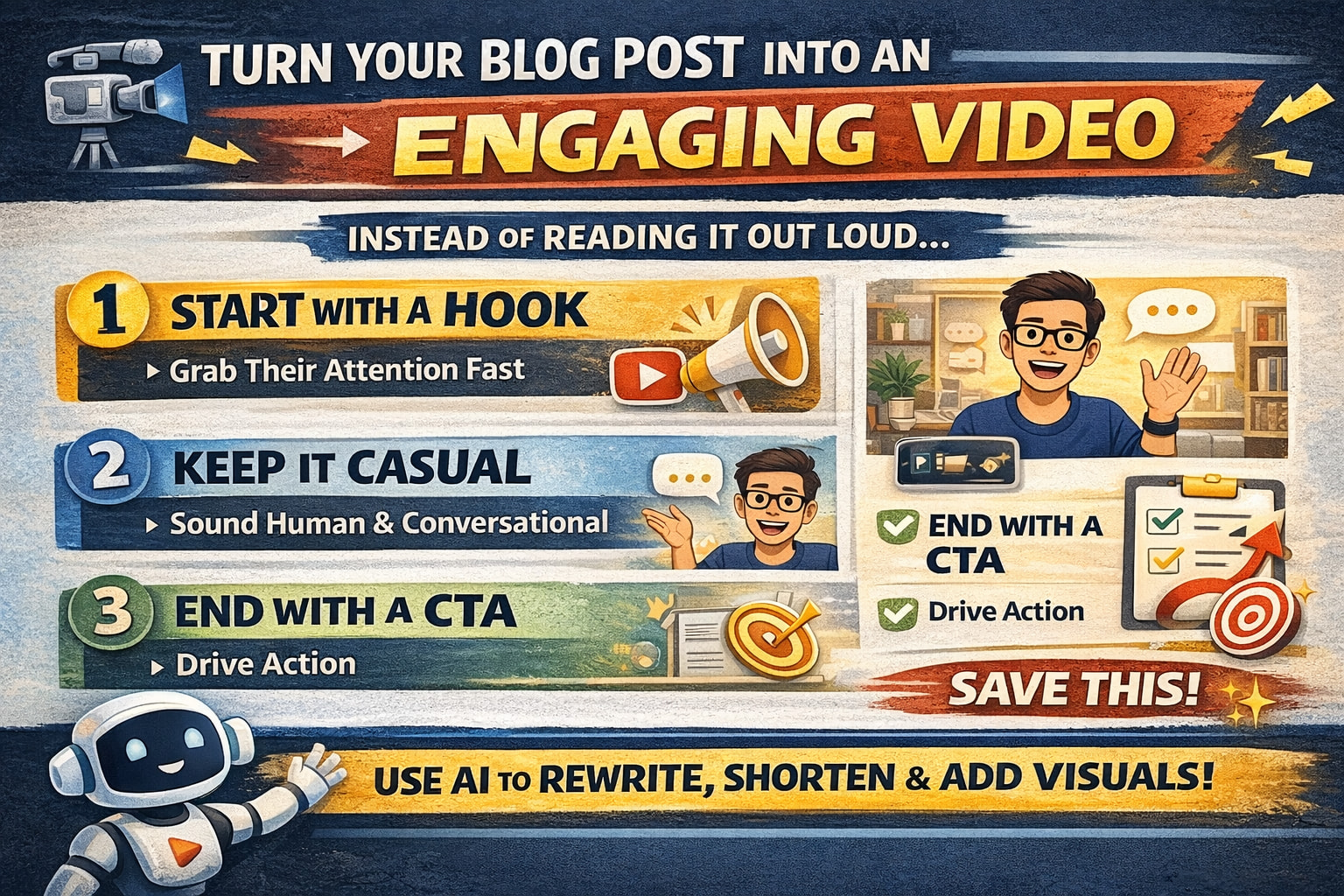
Here’s a prompt you can steal:
“Turn this blog post into a video script. Keep it conversational and under 5 minutes. Use a simple structure: hook, body, CTA. Rewrite it like I’m talking directly to the viewer. Give me two hook options. Keep sentences short for spoken delivery. Tone: [friendly/blunt/warm/sarcastic].”
Two hook options are important because sometimes the first hook is… fine. And “fine” is how people scroll past you.
Quick example so that you can hear it
Let’s say your blog post is: “10 Mistakes First-Time Preppers Make.”
A blog version might start with context, explanation, and background.
A video version starts like this:
“Prepping isn’t about building a bunker and hoarding beans like you’re auditioning for the apocalypse. It’s about not panicking when the lights go out. And if you’re new, it’s easy to do it backwards. So today I’m breaking down ten beginner mistakes and what to do instead.”
That’s video language. It moves. It has a point. It has a vibe.
And then it drops into the mistakes with punchy, spoken lines.
Short. Clear. Direct.
Make it watchable: visuals + on-screen text
Now, another place people get stuck is visuals.
They write a decent script… then they film themselves talking for four minutes like a talking statue.
You don’t need fancy production, but you do need something for the viewer’s brain to hold onto.
So you ask AI:
“For each section, suggest 1–2 B-roll ideas or visuals. Add short on-screen text overlays, max 6 words each.”
Why six words? Because people can’t read a paragraph while you’re talking, and pretending they can is a weird hill to die on.
Make it sound natural using “real-life” voice prompts
If you’re worried you’ll sound stiff, don’t just tell AI “make it casual.”
Give it a situation.
Try this:
“Rewrite this script so it sounds like I’m explaining it to a friend while making tea or cooking dinner. Cut formal transitions. Keep it real.”
That “real life” framing helps the tone land in a way that doesn’t feel like a scripted speech.
Time it so you don’t ramble
Here’s the truth nobody likes: most videos aren’t too short. They’re too slow.
So ask AI:
“Add timestamps to this script for a 5-minute video at 130 words per minute. Flag any section that’s too long and suggest cuts.”
Now you’re pacing instead of wandering.
Turn one post into a whole content stack
This is where it gets fun.
Because once you have a good script, you can split it into a series:
“Split this blog post into a 3-part video series. Write part 1 under 4 minutes. End with a natural teaser into part 2.”
And then, for short-form:
“Turn this into a 60-second script for Reels or Shorts. Start with a hook, hit one strong idea, and end with a CTA. Give me five variations of the first line.”
Now one blog post becomes:
One main video
Three follow-up videos
Ten Shorts
And a bunch of hooks you can test
That’s not “more work.” That’s just smarter reuse.
The simplest challenge you can do today
Here’s your challenge.
Pick one blog post that already performed well. Something that got traffic, shares, comments, anything.
Paste it into ChatGPT and use:
“Turn this into a video script under 5 minutes. Make it sound like a conversation, not a lecture. Structure: hook, body, CTA. Give me two hook options. Tighten the pacing. Add simple overlay text suggestions.”
Then record it without trying to memorise it like you’re in a school play.
You wrote the content already.
This is just the version that sounds like you.
If you found this useful, save it for later and try it with your next post. One script, one recording, and suddenly you’ve got video content without starting from scratch.
Thanks for reading. Go turn that blog post into something people actually want to watch. 
